[ 00 ]
Your site keeps moving.We keep up.
Adapt is the optional monthly retainer inside your Pixel Silo dashboard: studio time for your website, brand imagery and motion, held for you each month and agreed to suit you. Ask for anything, or let us suggest what to improve. You approve it first.
[ 01 ]
Adapt and your dashboard
Part of your dashboard,and entirely optional.
Included with every project
Your dashboard
Where the build is up to, what we need from you, and what has gone live. Everything also reaches you by email, so you never have to sign in.
No lock-in. Use it as much or as little as you like.
Optional, after launch
Adapt
A rolling monthly retainer, and entirely optional: your site stays yours to run. Ask for anything, or let us suggest: we regularly look over your site and put forward what to improve. You approve everything first.
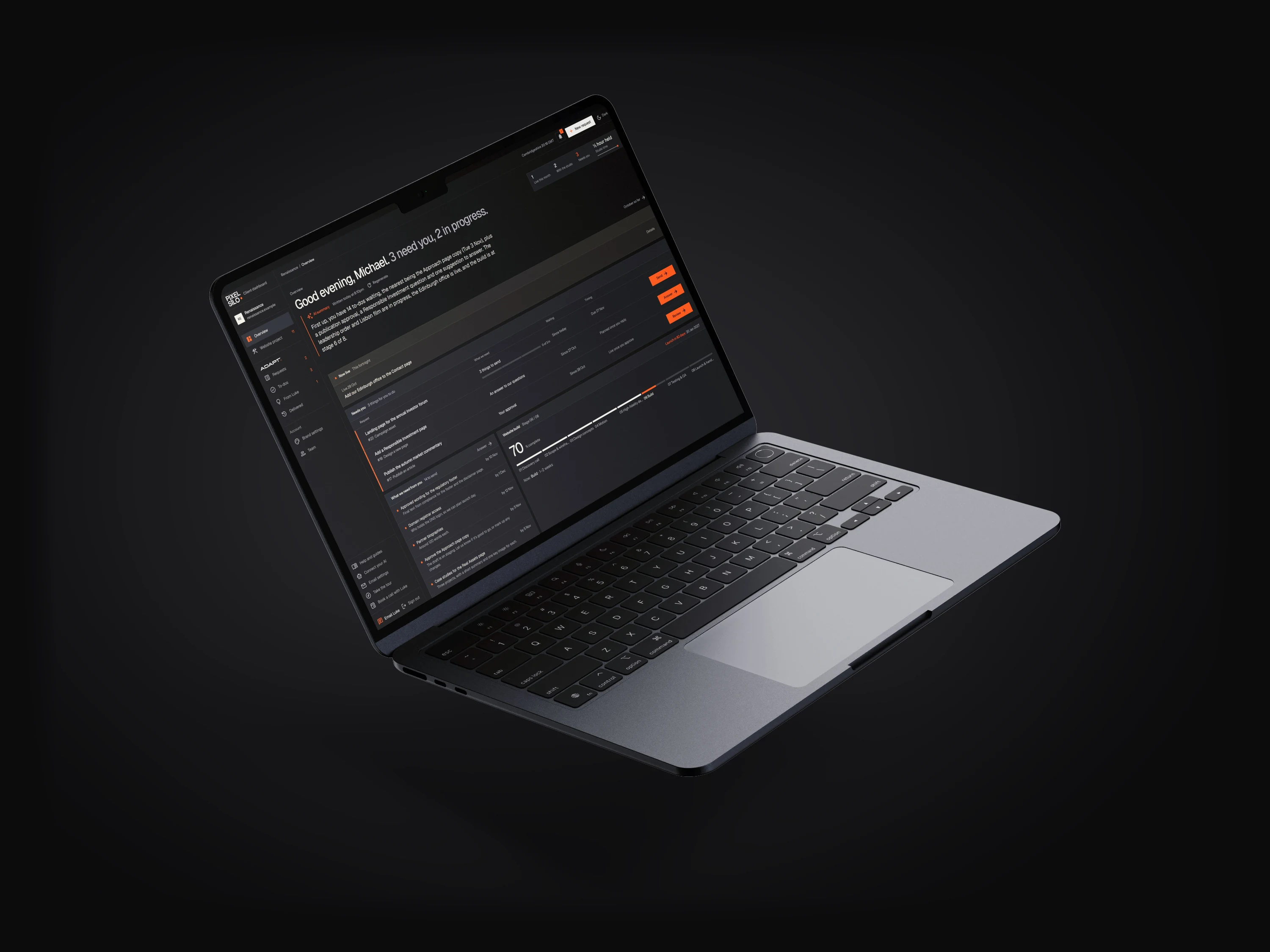
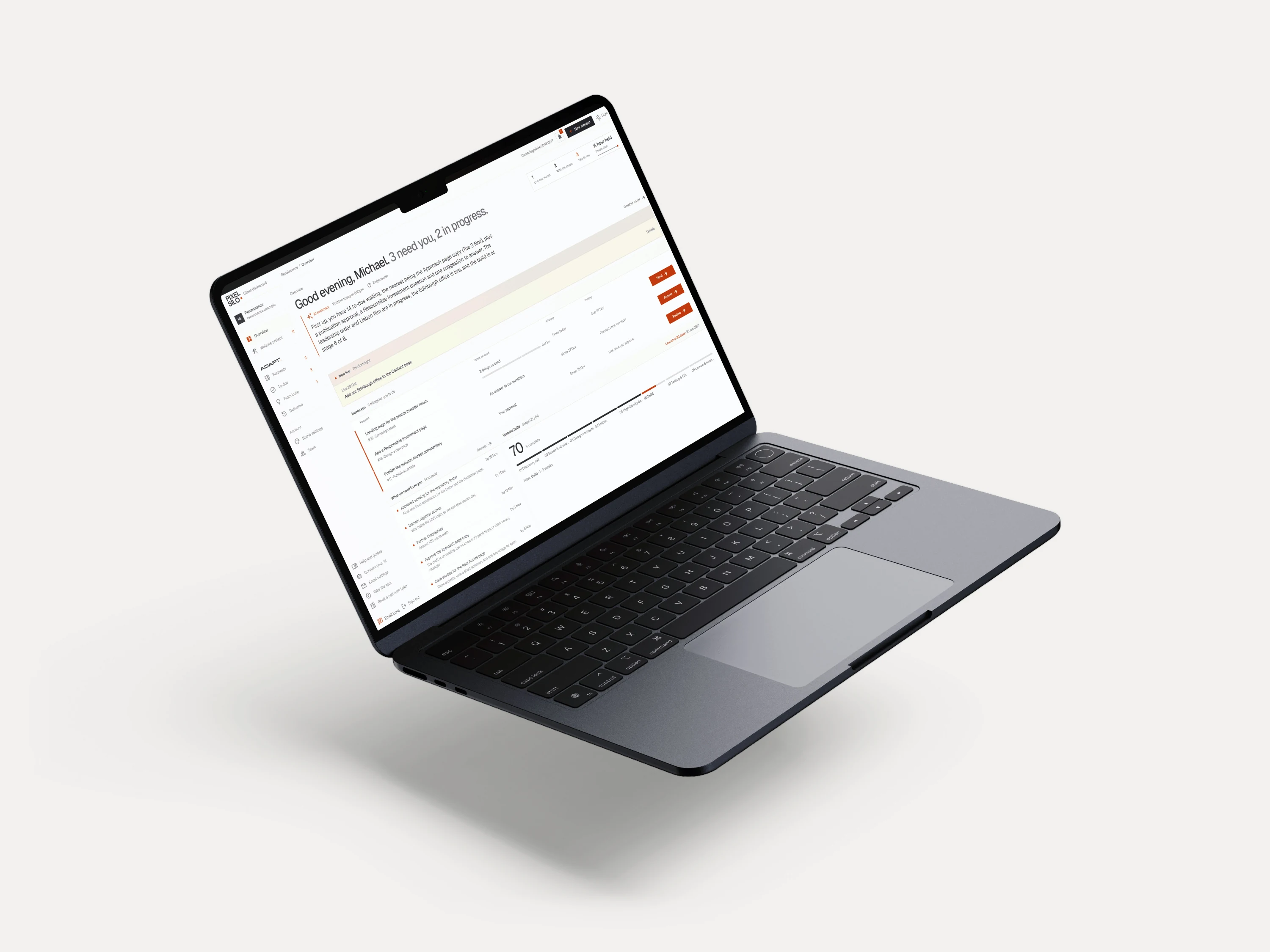
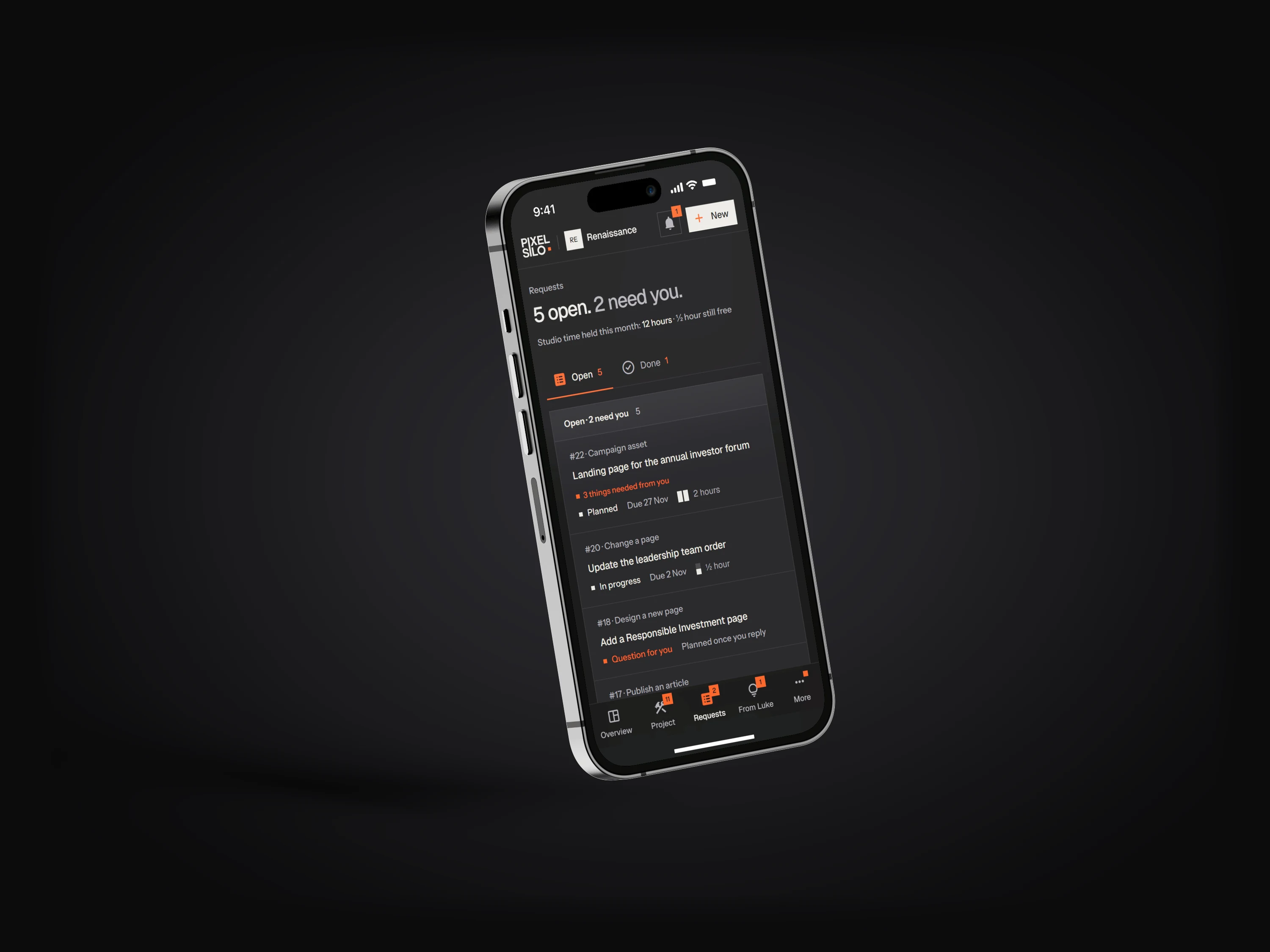
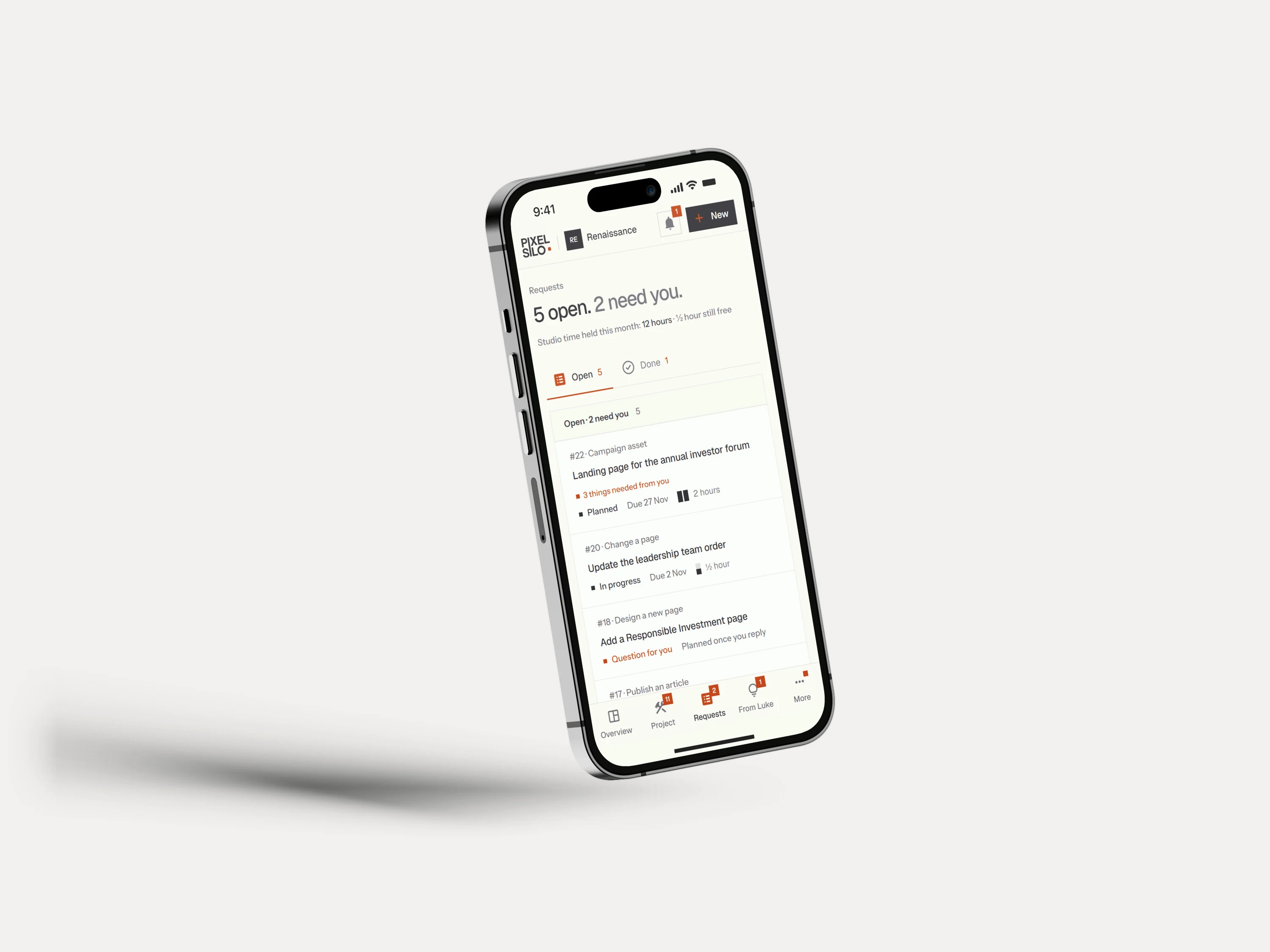
01

AI summary
A short summary of your requests: where each one is up to and who is waiting on whom.
02

Suggestions from Luke
Once you are on Adapt, Luke suggests what is worth doing next. Go ahead, talk it over, or say no thanks.
03

Email a request
Send it by email and it lands in the dashboard as a request, files and all. Nothing gets lost.
04
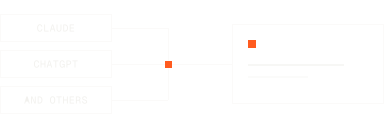
Ask your own AI
Connect Claude, ChatGPT or similar to raise requests and check progress.
05
Approve it first
Read it or open a preview, then approve or say what to change. Nothing goes live without you.
06
Brand settings
Your voice, facts to use, things to avoid and company details. Change them any time and we are told.
07
What we need
Exactly what we need from you, with a date if there is one. Reply with a note, a link or a file.
08
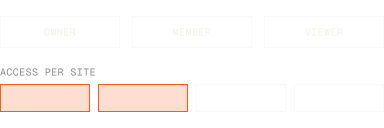
Your whole team
Invite colleagues as owners, members or viewers. Everyone sees only the sites you give them.
[ 02 ]
The gap it fills
Most sites are accurate on launch day and slowly stop being true.
A new fund closes. A development moves to phase two. Someone senior joins. A campaign needs a page by Thursday and the CMS was never built to hold it.
Each of those is too small to scope and quote as a project, and too visible to leave alone. So they queue up, and six months later the site is quietly behind the business it represents.
Adapt exists to close that gap. You hold reserved studio time each month and use it as things come up, without briefing and pricing every small piece of work.
[ 03 ]
How Adapt works
Ask for anything.You approve it.
01
Ask for anything
Ask in the dashboard, by email or from your own AI assistant. An email is enough: nothing needs a brief or a quote first.
02
Quiet months still get used
We regularly look over your site and put forward what could be improved, already scoped. So a month with nothing on still goes on the site.
03
You approve it, it goes live
Read the work in the dashboard or open a preview link, then approve it or ask for changes. Nothing goes live until you approve it, and it can be scheduled for a date.
Adapt deals with your requests, and if you have nothing that month, we put suggestions forward and get to work on the ones you approve.
From Luke
Example suggestion
What we would change, why now, how big it is, and what we would need from you. Scoped before you decide.
[ 04 ]
What it covers
Websites and imagery,one retainer.
Sized to the site
Every Adapt is set up around the business.
The whole studio stays available: updates to the site, and new imagery, motion and campaign assets from the same people. We look at how often the site changes, how many sites share the time, and how much new imagery and motion you want through the year, then agree an amount of studio time and a monthly price that fits. A site that changes often gets more time, and a settled one needs less. Smaller retainers are available too.
01
/ Build
The site grows with the business
New pages and campaign builds
CMS growth as the business grows
Integrations and analytics
Performance and accessibility
Technical upkeep and monitoring
02
/ Imagery
New visuals through the year
New brand imagery and 3D
Motion and animated assets
Campaign and social artwork
Investor and pitch deck visuals
Photography direction
03
/ Judgement
A second pair of eyes, always on
A direct line to Luke
Second opinion on anything digital
Review of what is working
Planning the next piece of work
Priority in the studio schedule
Paid monthly. Three months to start, which covers getting set up, then month to month, and you can stop whenever you like.
[ 05 ]
Your site, your control
You can run the sitewithout us.
Every site we build is set up so your team can run it, with full access to edit and maintain the whole site themselves. Adapt is for when you would rather hand that work to the people who built it.
The CMS
Add and edit items such as articles, team members and case studies.
The on-page visual editor
Change text and images directly on the page.
[ 06 ]
Questions
01
How quickly do things happen?
It depends on the request and the size of your plan. We scope each request and confirm timing before work starts, and you can see who is looking after it and when it should be done. We talk through what to expect before you start.
02
Do we need Adapt to update our own site?
No. Your site is set up so your team can maintain it completely themselves. Adapt is there for when you would rather have the people who built it do the work.
03
What does Adapt cost?
There is no fixed price. Adapt is customised: we look at how often the site changes, how many sites share the time, and how much new imagery and motion you want through the year, then agree an amount of studio time and a monthly price that fits. Talk to Luke and he will give you an honest view, including whether you need Adapt at all.
04
Can I try Adapt first?
Not as part of the build. Every build includes free bug fixes for the first month after launch, and Adapt is separate: it sits locked in your dashboard until you choose to start it. Talk to Luke and he will tell you honestly whether it is a fit.
05
What if we do not use the time one month?
It does not roll over, because your time is held in our schedule and we turn other work away for it. But it should rarely go unused: we regularly look over your site and suggest what to improve, so in a quiet month we scope suggestions, you approve the ones you like, and we get to work.
06
What if we need more than the monthly time?
We tell you before a month fills up, and you choose: hold the work for next month, or agree extra time. If something is a build rather than an update, we say so before it uses up your time, and you decide whether it becomes a separate project or waits.
07
We have several websites. Do we need several plans?
No. One plan covers several sites, and the cost is shared across them. You can spend the time on one site one month and another the next, or mix it up however you like. Your team only sees the sites you give them.
08
Can we stop?
Yes. There is always a three month minimum, which covers getting set up, and after that it runs month to month. You can stop whenever you like, and whatever you have already paid for is honoured, so there is no notice period.
09
Do we have to have worked with you before?
No. We take on Adapt for sites we did not build, as well as the ones we did. Talk to Luke and he will tell you honestly whether it is a fit.
10
Who does the work?
Luke or Zoe, and nobody else. Luke does the design, the build and the imagery. Zoe keeps things moving, and is who you hear from about timing and what we need. Every message comes from one of them.
11
Will anything go live without me seeing it?
No. You approve the work first, either by reading it in the dashboard or on a preview link. Once it is approved, it can go live straight away or on a date you choose.
12
Do you use AI to do the work?
We build with AI. We do not build AI websites. We use AI tools to research, draft and organise, and the design and development are done by hand. In your dashboard, AI helps you write a request more clearly, reads and summarises requests that arrive by email so Luke can scope them, answers questions about your own requests, and summarises long threads. It never decides what work you need, and your content is not used to train AI models.
[ 07 ]
Enquiries